UFO-CQ Quick Setup
"CQ" is a general call used by a radio operator to invite any station listening to respond and start a conversation.
Step 1: Install Batteries
You'll need three AA batteries. Alkaline or rechargeable work well.
- Pry the top half of the case away from the bottom half.
- Add or replace the batteries in the holder. Replace the holder cover.
- Align the small hole on the edges of the two case halves and snap together.
Step 2: Power On and Off
- Power On: When your UFO-CQ is face up (LED on top).
- Power Off: When your UFO-CQ is placed or stored face down.
The batteries last many weeks/months face down, and quite a few hours when in use.
Step 3: Send a Message
- Place the UFO-CQ face up under an open sky.
- Scan the first QR code with your phone's camera to automatically connect.
Note: If your phone reports "Connected, but no internet," that's okay. - Once connected, scan the second QR code to open the program.
- Select a speed from the pull-down — "Alien" is faster than most humans can read Morse Code.
- Type a text message as desired — friendly is suggested.
- Press the buttons to Start and Stop flashing.
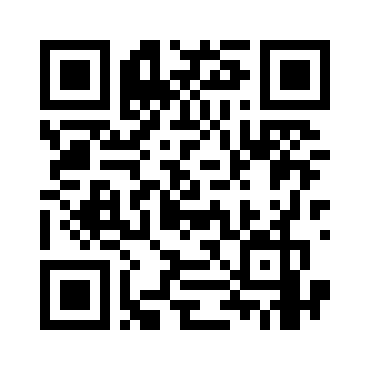
1. Scan to Connect
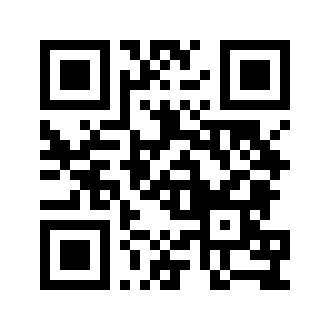
2. Scan to Open App
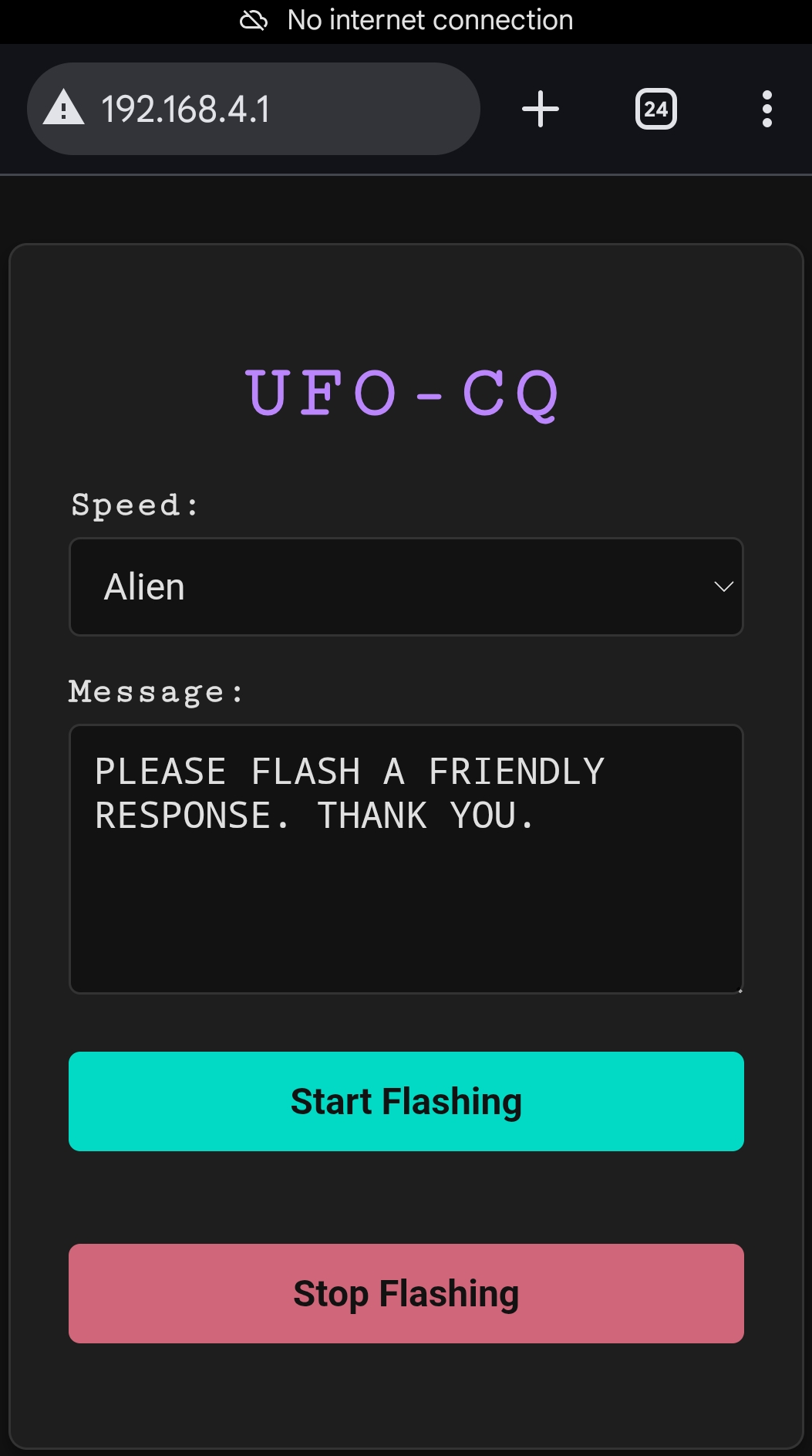
3. Control Interface
Hints & Troubleshooting
- Pro Tip: Always bring printed, scannable copies of the QR codes to your sky watches!
Manual Connection (If QR fails)
- WiFi Name: UFO-CQ
- Password: flashy123
- Browser URL: http://192.169.4.1
If you jostle the UFO-CQ while in use, it might power off and need a restart. Always store it face down when not in use.